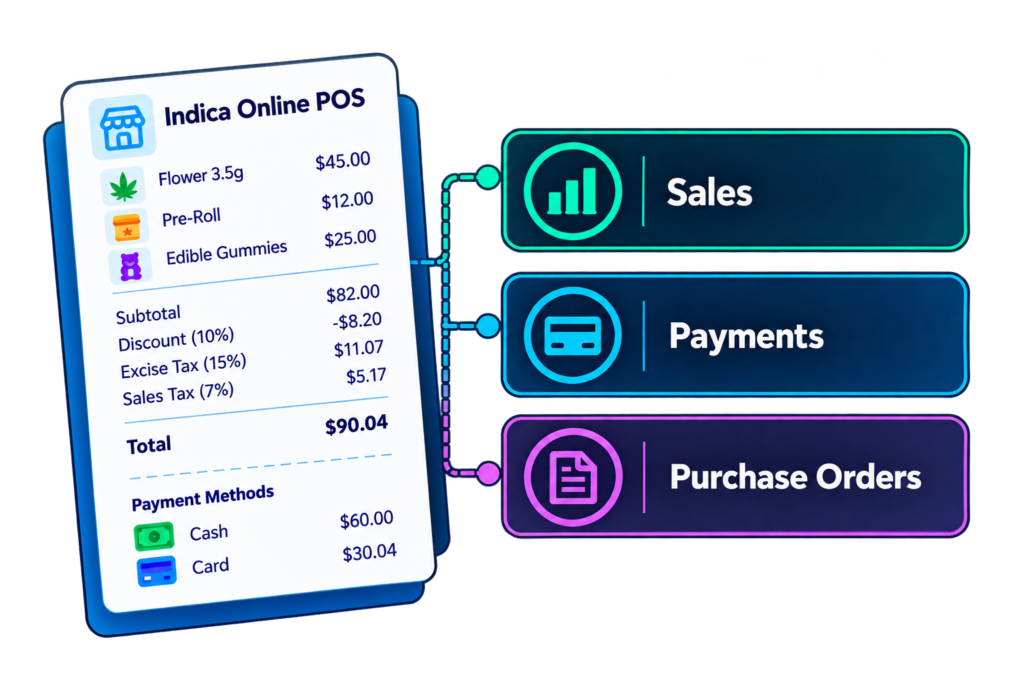
Alembic Computer Services has developed the perfect connection between Indica Online and QuickBooks. Our IO-to-QuickBooks Connector creates accounting activity in QuickBooks from your IO Point-of-Sale system in a matter of minutes.
Everything your dispensary sells. Automatically translated into clean accounting data. Whether you import once a day or once a month, it’s simple, easy, and FAST! From daily invoices to COGS Journal Entries, even vendor bills. Our connector adapts to how your dispensary and accounting team actually want to see the numbers.
No more spreadsheets, manual journal entries, or hours of cleanup. Your Data. Your books. Your way.
The Challenge
Cannabis Accounting Isn't One Size Fits All
Dispensaries manage thousands of transactions involving sales, discounts, returns, multiple payment methods, inventory assets, cost of goods sold (COGS), and complex tax requirements. That’s where things get complicated.
Every transaction needs to be accurately categorized, reconciled, and recorded, all while navigating unique regulatory requirements and different accounting structures. With each dispensary organizing its finances differently, getting POS data into the right QuickBooks accounts can quickly become overwhelming.
That’s where Alembic comes in.
The Solution
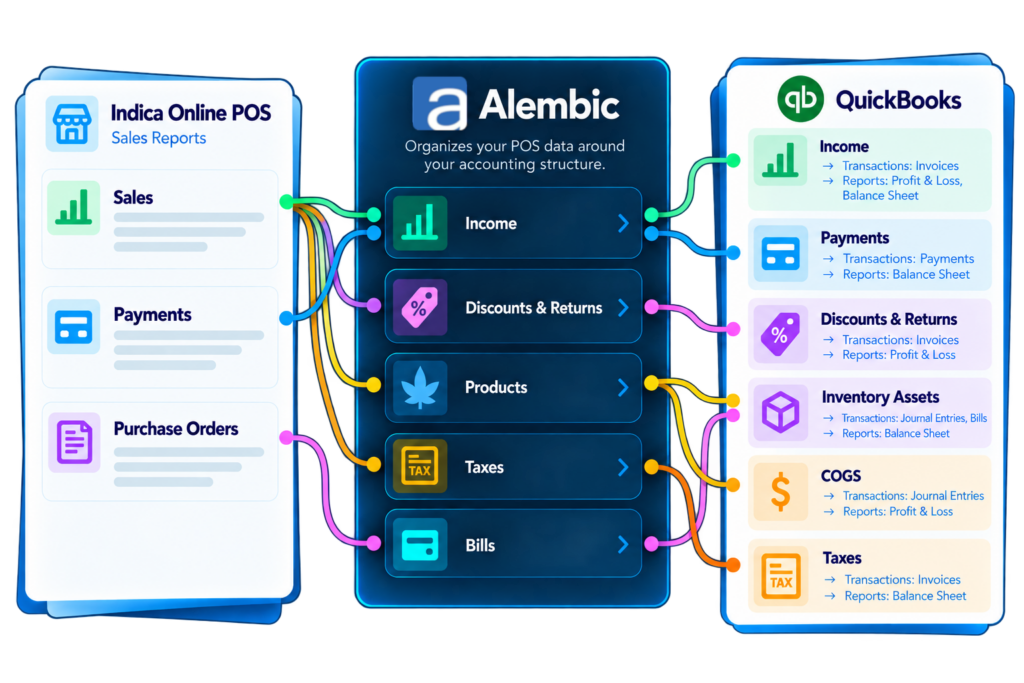
You Decide Where Your Data Goes...
Alembic Handles the Rest
With 8+ years in the cannabis industry, and over 18 years of experience as QuickBooks developers, Alembic understands the ins and outs of QuickBooks. That along with our understanding of accounting allows us to create a solution that is designed to work with you and not against you.
We give you the flexibility to organize your POS data the way you actually want to run your books.
Flexible By Design
Map Your Data Your Way
We understand not all dispensaries are the same. Alembic gives you the flexibility to map your POS data to match the way you actually run your books.
Product Category
Capture Overall Sales the way you want
Use a single Income Account or capture by product type using subaccounts.
Sales of Product Income
vs.
Edible
Flower
etc...
Inventory Asset
Capture Inventory Value the way you want
This can be done in a singe Asset Account or in subaccounts:
Inventory Asset
vs.
Inventory Asset: Edible
Inventory Asset: Flower
etc...
Cost of Goods Sold
Capture Cost of Goods the way you want
This can be done in a top level COGS Account or in subaccounts.
Cost of Goods Sold
vs.
COGS: Edible
COGS: Flower
etc...
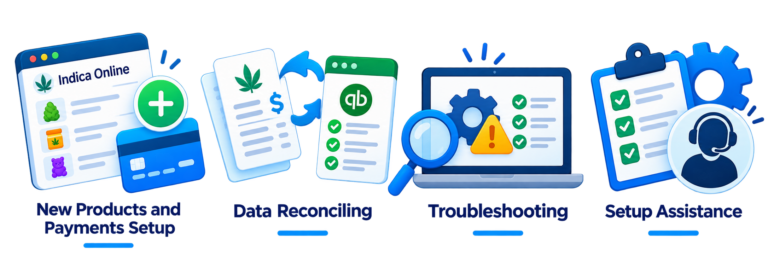
Real People. Real Support.
And when you need us,
we're here!
We’re a small dedicated team, which means you’re talking to experts of the product and are ready to help. No long wait times, no getting passed from ticket to ticket, team to team.
Connect your Indica Online POS to QuickBooks today withAlembic